Contact Forms: Ask for Less, Get Better Enquiries
By Website in Gurgaon · · 2 min read
A contact form should start a conversation, not feel like an application for a complicated service. The best fields are the ones your team needs to reply usefully. Everything else can usually wait until the first discussion.
Decide how the enquiry will be handled
Identify who receives the enquiry, where it goes, and what they need to respond. If your team normally calls customers, a phone number may matter more than a postal address. If replies happen by email, make that field clear.
Only promise a response time if someone is responsible for meeting it. A simple explanation of the next step is better than a precise promise the team cannot consistently keep.
Keep the first form focused
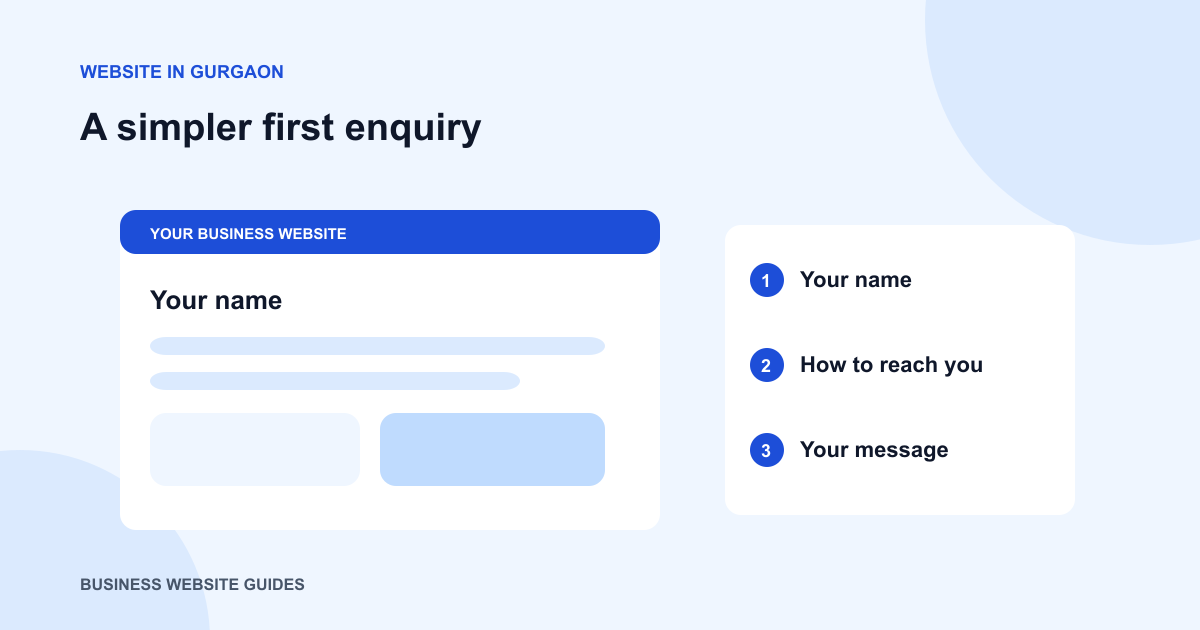
Start with contact details and a short message describing the requirement. Add a service selector if it routes enquiries to the right person. Avoid making visitors supply detailed budgets, company profiles and attachments unless those are necessary at this stage.
Mark required fields visibly. If you ask for both a phone number and email address, explain the purpose or consider allowing the visitor to choose a preferred contact method.
Write helpful labels and errors
Use a persistent label for each field so people can still see what they are entering. Give a short example when a field might be confusing. Do not rely on colour alone to identify a problem.
If submission fails, preserve the message and explain what needs fixing. A generic “Something went wrong” forces the visitor to guess or abandon the enquiry.
Make submission and confirmation honest
A form that sends data directly should confirm a successful submission only after the receiving system accepts it. A form that opens WhatsApp should tell people they need to send the message there. These are different actions from the visitor’s point of view.
Check the full journey regularly
Test on a phone with realistic information. Verify the destination inbox or messaging account, including any routing rules. Check what happens when a field is missing or the connection drops. Keep the fallback phone number or email address visible so a form problem does not block every enquiry.