Mobile Website Checklist for Gurgaon Businesses
By Website in Gurgaon · · 2 min read
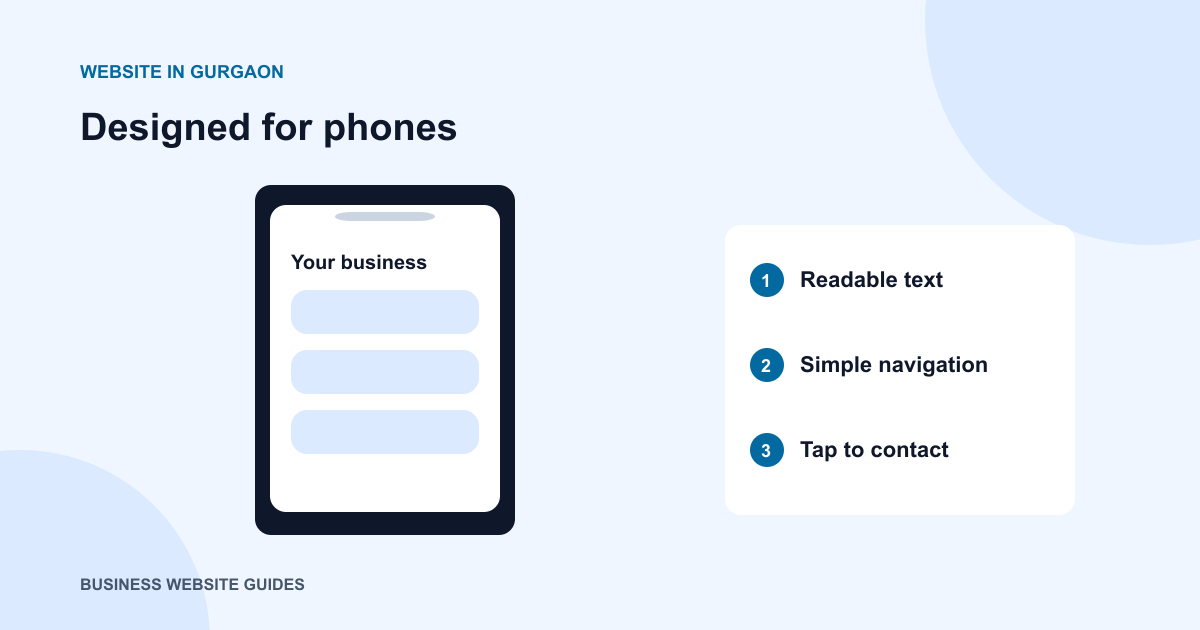
A website can fit a phone screen and still be difficult to use. Small text, crowded navigation and awkward forms make simple tasks feel like work. This checklist helps you review the experience your customers actually have when they open your website on a phone.
Start with a customer task
Choose a realistic task: finding your address, checking a service, or asking for a quotation. Open the site from the homepage and complete that task without using your knowledge of where everything is. Repeat from a service page, because visitors may arrive there directly.
Check text and layout
Read a few paragraphs without zooming. Watch for long lines, text laid over busy photographs, and headings that leave only one word on a new line. There should be enough space between sections to make the page easy to scan.
Turn the phone sideways and increase the browser text size. Important content should remain available, and the page should not require sideways scrolling to read ordinary paragraphs.
Try every navigation and contact control
Open and close the menu, follow a service link, and return to the previous page. Labels should make sense without hover effects. Tap call and message links to check that they point to the correct number.
Sticky contact bars can be useful, but check that they do not cover form buttons, legal links or the final lines of an article. Leave room for the phone’s own browser controls.
Complete the enquiry form
Enter a realistic name and message. Check whether labels remain visible while typing, whether errors explain what to fix, and whether the keyboard suits the field. A phone field should not make customers fight a layout while entering their number.
Test the confirmation step as well. People should know whether their enquiry was sent or whether they still need to send a message in another app.
Check images and loading
Use a normal mobile connection, not only office Wi-Fi. Images should stay inside their containers, and space should be reserved while they load so buttons do not jump. Repeat the review after major content changes; a new banner or longer heading can affect a layout that previously worked.