What to Put on a Service Page That Converts
By Website in Gurgaon · · 2 min read
A service page should help someone decide whether your business can solve their problem. Repeating the homepage with a different heading rarely does that. The most useful pages explain the service, set expectations, and make it easy to start a relevant conversation.
Describe the customer problem
Begin with the situation your customer recognises. For website maintenance, that might be outdated information, broken forms or uncertainty about backups. Explain who the service is for and what a successful outcome looks like in ordinary language.
Avoid a long introduction about how passionate your company is. The visitor needs to understand the offer before they can evaluate the company behind it.
Make the scope visible
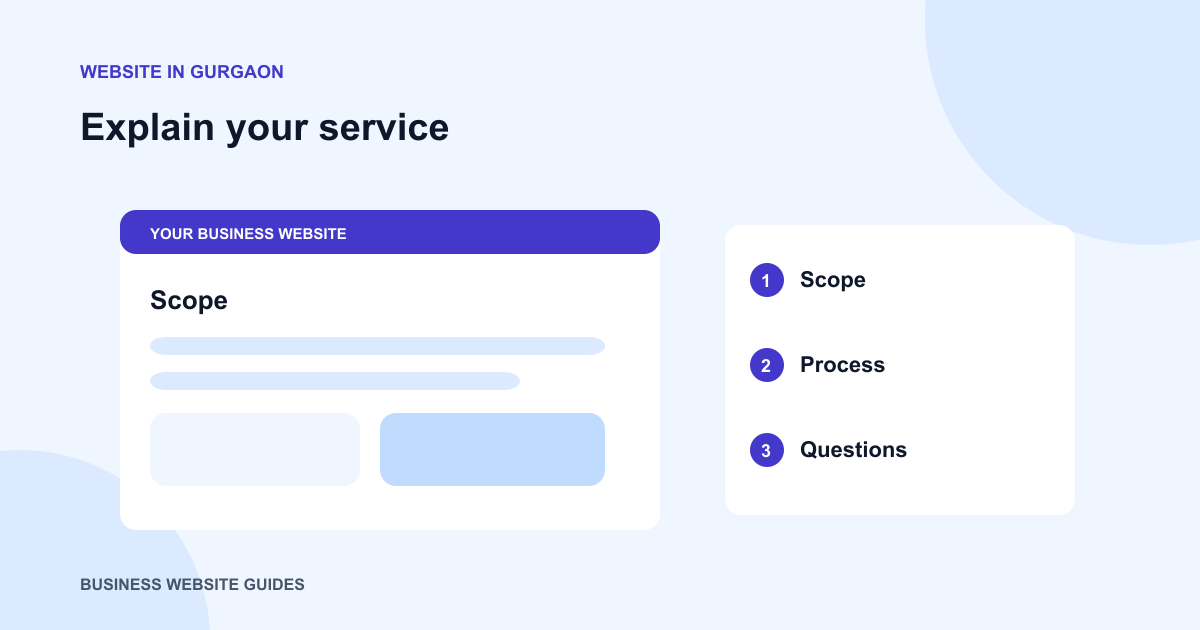
List what is included and describe meaningful boundaries. A website design service might include layouts and revisions, while photography or ongoing content updates may require a separate arrangement. Clear scope helps customers compare options and prevents mismatched expectations.
If the service can take different forms, explain the choices with examples. A small catalogue site and a store with online checkout are different projects even when both show products.
Explain how the work happens
Describe the main stages: initial discussion, material collection, review, implementation and handover. Tell customers where they need to participate. Avoid promising a fixed turnaround unless your business can support it for the work described.
Answer the questions you hear in enquiries
Use questions from real customer conversations. Who provides the text? Can an existing domain be used? Will the business own its accounts? What happens after launch? Short, direct answers are more useful than broad claims about quality.
Where the answer depends on the project, explain what changes it. An honest conditional answer helps a customer prepare for a discussion.
End with a relevant next step
Ask for the details needed to assess that service, such as an existing website address or a brief description of the required features. Link to a related article when it helps someone make a decision. Keep the enquiry route visible without interrupting every paragraph with a sales message.